Our Impact
Leapfrogging expensive, complex, and resource dependent technologies, NousNav offers intra-operative navigation to neurosurgeons around the globe.
Contextually Appropriate Technologies
We work iteratively and collaboratively with our colleagues in low resource settings to understand and respond to their needs and to develop a system which works within the constraints of their practice settings. These are our guiding principles in designing the system.
- Inexpensive
- Simple & robust
- Low maintenance
- Independent of infrastructure
- No expensive consumables
- Readily available training
- User centered design & interface
- Collaborative development
Overview
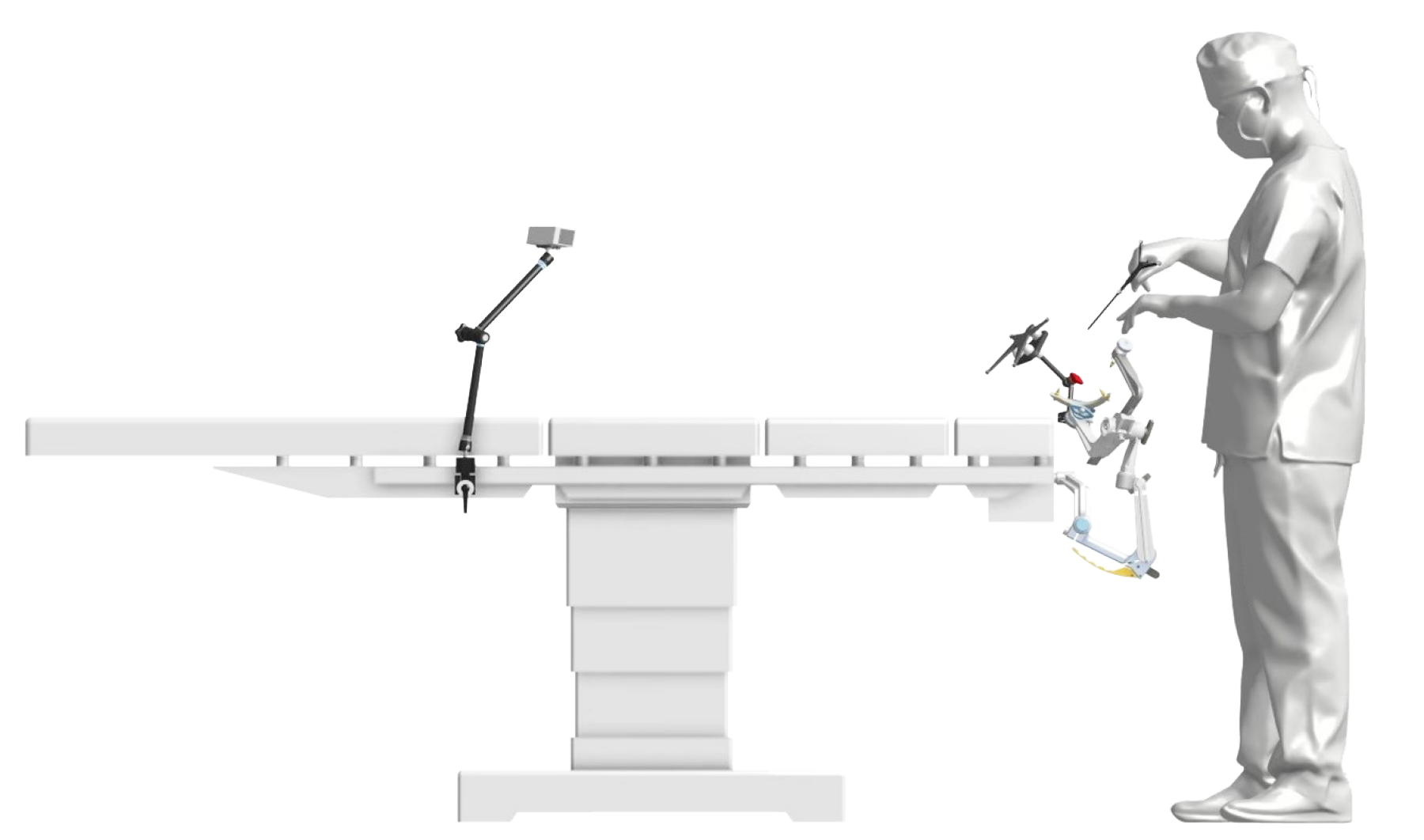
Here is an overview of the system. The components and set up are analogous to commercial optical navigation systems, but have been designed and built for the needs in LMICs.
The camera is mounted on a flexible arm designed for photographers. The custom reference array is mounted to the head-holder, also with photography hardware. And the custom designed pointer can be heat sterilized.
The system does require that the neurosurgeon have access to cross sectional imaging and a head holder.
- Optical Tracker: 3D Camera
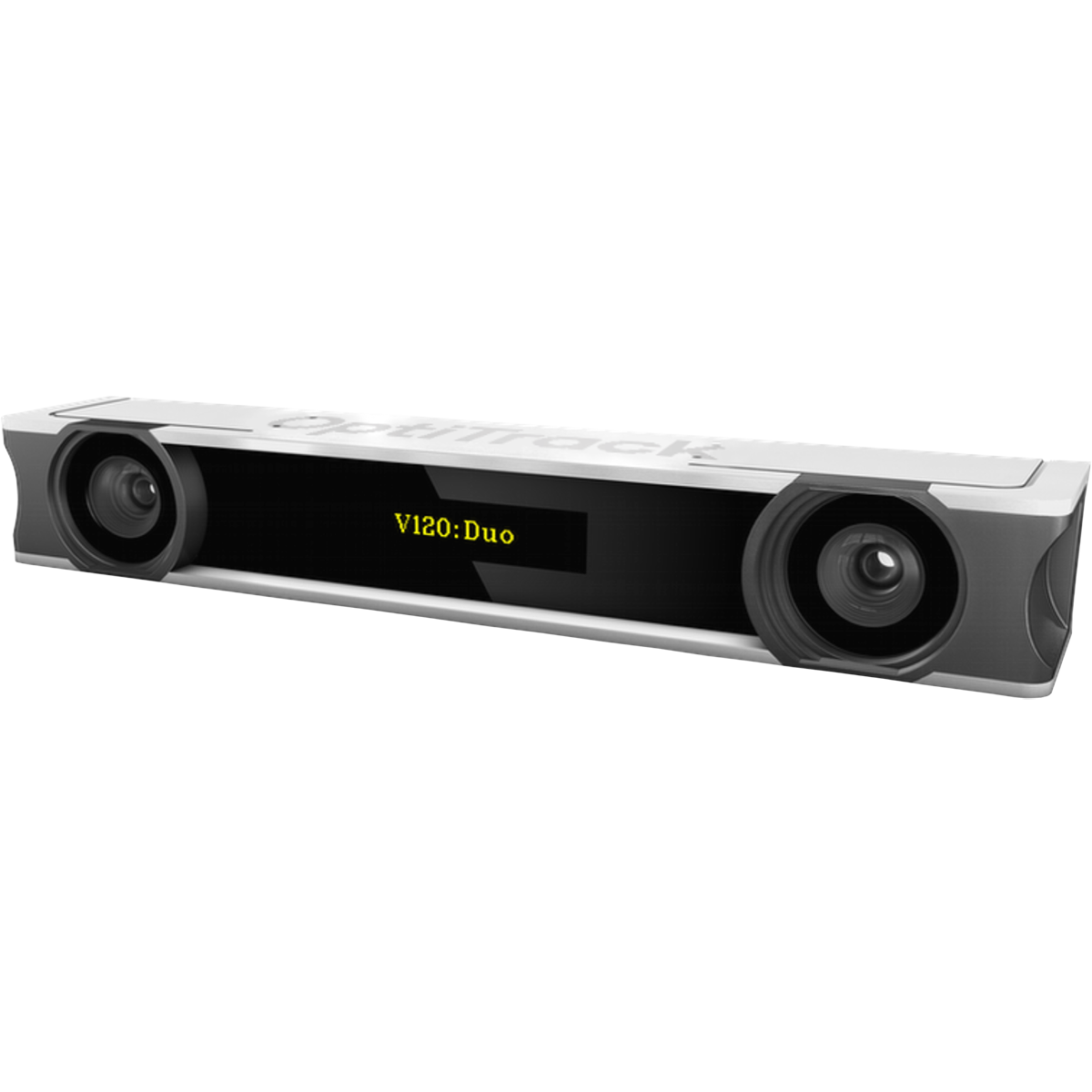
Optitrack V120: Duo - Camera mount
Commercially available photography hardware
- Optical Pointer
Sterilizable custom hardware with singleuse reflective dots - Array Base Plate
Non-sterile custom hardware with commercially available mount - Optical Reference Array
Repositionable, sterilizable custom hardware with single-use reflective dots
NousNav is Portable
The entire system fits in a hard-sided case which the surgeon can take home for security and also to pre-plan their cases. Many surgeons in the developing world work at multiple sites, and they can bring the system with them to different hospitals.
NousNav is Low Cost
We use a readily available 3D camera marketed for motion capture and video game development, commercial photography hardware, a laptop with mid-level specifications, and custom-designed and built hardware to put together a system which costs less than $5000 US.
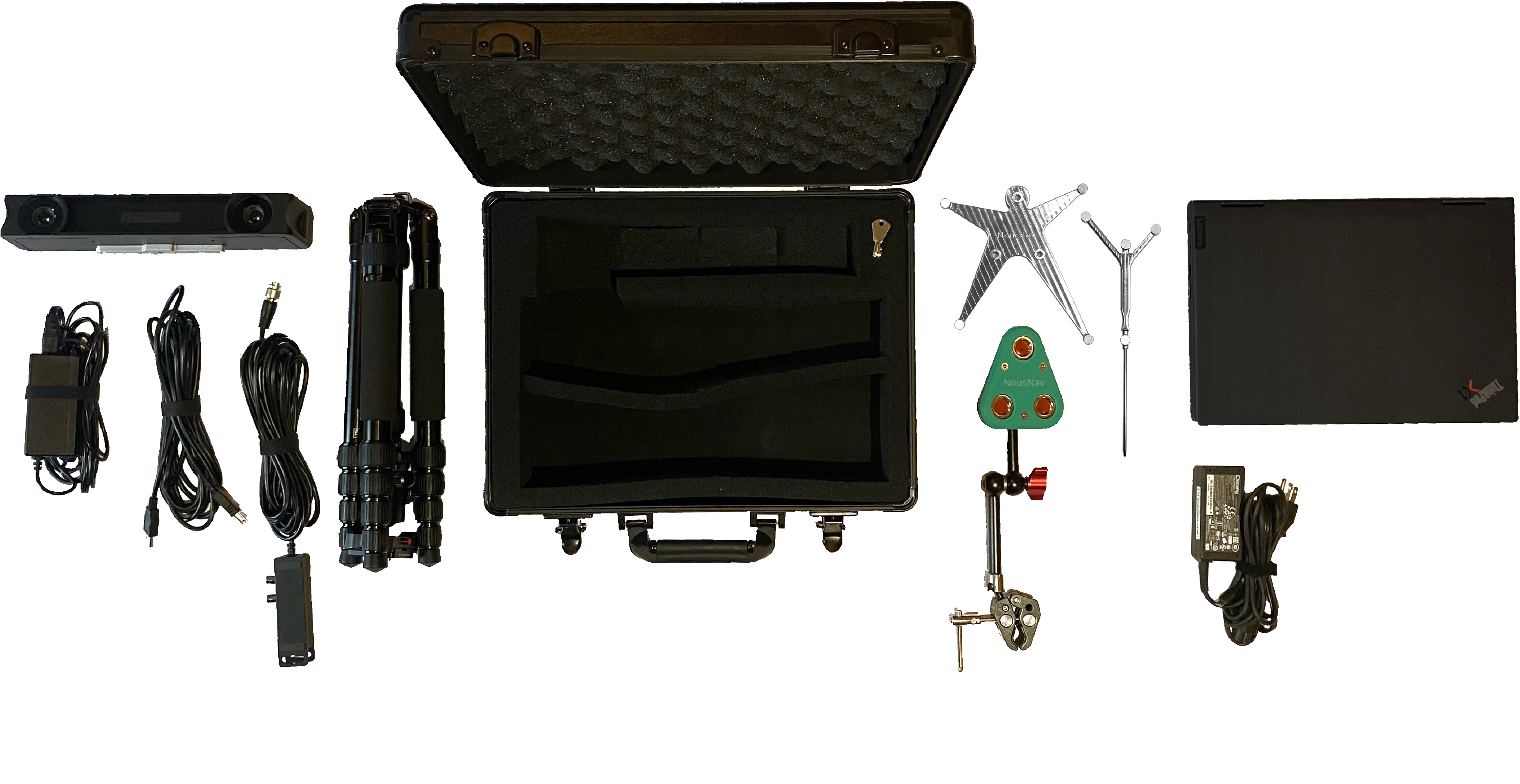
- $3000
Optical Tracker: 3D Camera
Optitrack V120: Duo - $100
Camera mount
Commercially available photography hardware
- $350
Custom parts
Reference array, base plate, and pointer - $700
Windows laptop
Minimum 4 GB RAM
NousNav is Sustainable
One big challenge which we continue to work on is bypassing the need for costly single-use consumables whose price is well out of reach for users in the developing world and which also depend on a reliable and timely supply chain—something which is in absent in many countries.We tested circles cut from retro-reflective tape (like that used on sporting goods) and found that they worked nearly as well as the reflective spheres and could be made for pennies.

- Reflextive, Adhesive Tape
- Hole Punch
- Sterile Dots
- Optical Reference Array
Repositionable, non-sterile, and custom hardware with single-use reflective dots - Optical Pointer
Sterile custom hardware with single use reflective dots
Open-source Software and Hardware
In addition to using readily available hardware such as the 3D camera, we leveraged two open-source image processing software packages: 3D Slicer and the PLUS library developed by our close collaborators. These allowed us to work with the most advanced softwaretools in image processing.For example, we developed a newdeep learning skin surface segmentation algorithm to deal with lower resolutionscans with thicker cuts.
3D Slicer
3D Slicer is a free, open-source software for visualization, processing, segmentation, registration, and analysis of medical, biomedical images; and planning and navigating image-guided procedures.

Plus
Plus is an open-source software toolkit for data acquisition, pre-processing, and calibration for navigated image-guided interventions.
Core Components
- 3Dcamera Optitrack V120: Duo
- Windows laptop with 4GB RAM min
- Photography clamps
Intuitive Workflow
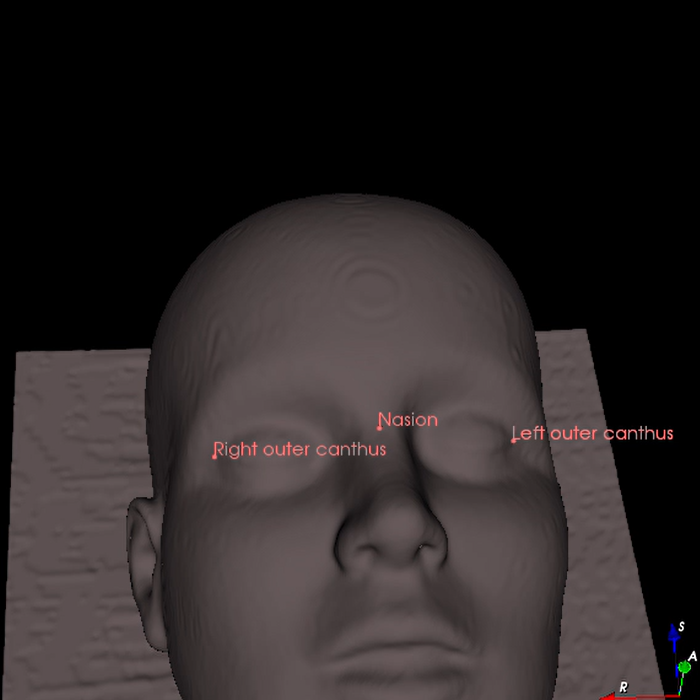
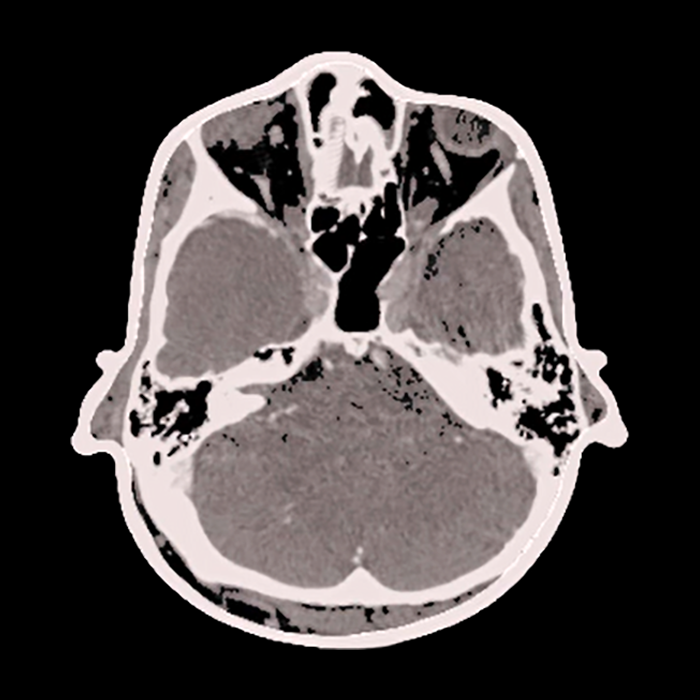
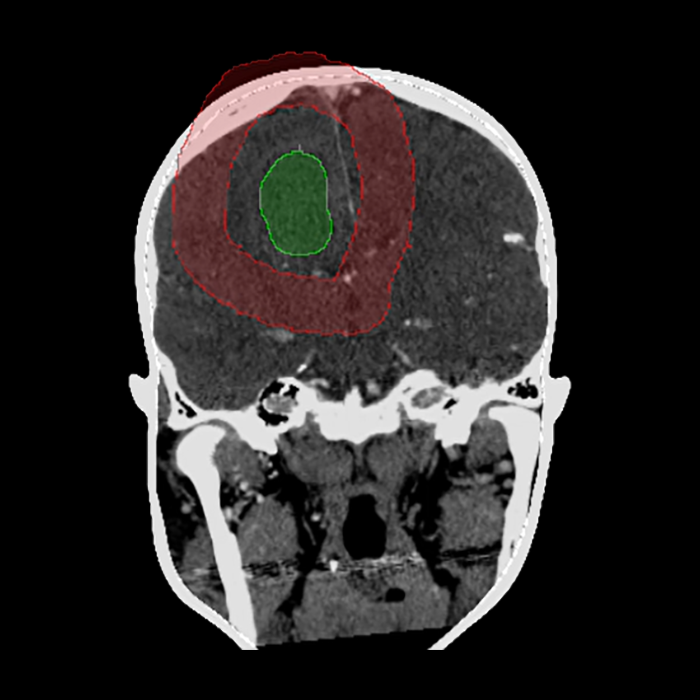
The user interface was custom designed to leverage the power of the software tools in a form which is intuitive and user friendly and provides the key clinical functionality. During the planning stage, for example, the user is walked through tasks such as skin segmentation, lesion and trajectory delineation, and landmark selection to be used for registration.
Pre-op Planning
Skin Segmentation
Target Segmentation
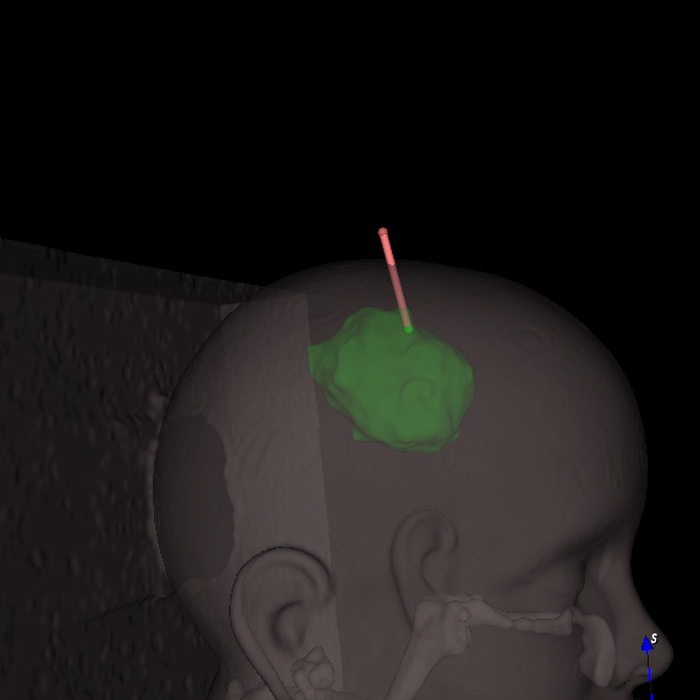
Trajectory Planning